Git and GitHub Quiz: Commits, Branches, Merges and Pull Requests
Test your version control skills: repositories and the staging area, commits and history, branches and merging, conflicts, remotes, push, pull and fetch, undoing changes, .gitignore and collaborating with pull requests on GitHub.
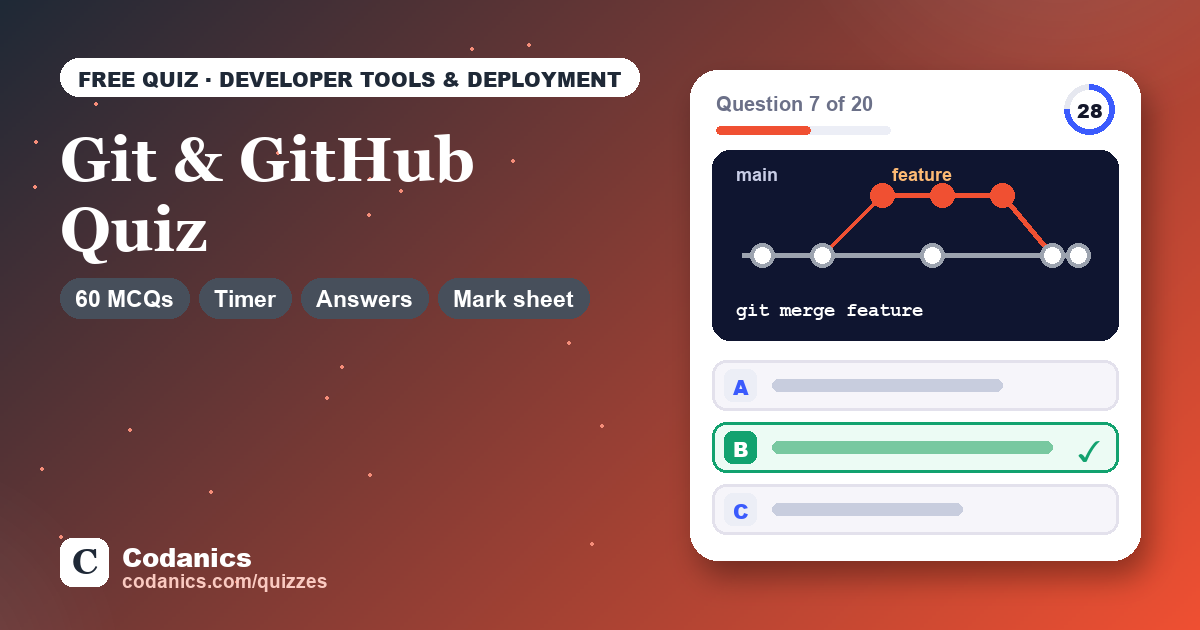
Git & GitHub Quiz
60 questions · 7 topics · timer · instant explanations · printable mark sheet.
- Questions60 in the bank, 10–30 per attempt
- Levels20 easy · 24 medium · 16 hard
- TimeAbout 5–20 minutes
- PriceFree, no login needed
- Made byDr. Aammar Tufail, Codanics
- Updated18 November 2026
In short: the Git & GitHub Quiz is a free online multiple-choice quiz by Codanics with 60 questions on core Git concepts; basic workflow; branching and merging; remotes and syncing; undoing changes; ignoring files and good practice; and GitHub collaboration. You choose the number of questions and the difficulty, answer against a timer, see an explanation after every answer and finish with a printable mark sheet.
What the Git & GitHub Quiz covers
A GitHub profile is now part of every data science CV, and teams expect you to branch, commit and open pull requests without breaking anything. Git also protects your own work from accidental loss.
This quiz covers everyday Git commands and the situations that confuse beginners, such as reset versus revert or pull versus fetch, with good practice for data science projects.
- Core Git concepts 8 questions
- Basic workflow 9 questions
- Branching and merging 10 questions
- Remotes and syncing 8 questions
- Undoing changes 10 questions
- Ignoring files and good practice 8 questions
- GitHub collaboration 7 questions
Who it is for: Data science and AI students building a portfolio, developers working in teams and anyone preparing for a technical interview.
How the quiz works
- Type your name if you want it printed on the mark sheet (optional; it never leaves your browser).
- Choose 10, 20 or 30 questions, a difficulty (Easy, Mixed or Hard) and the timer: Standard, Relaxed or none.
- Answer each question before the timer runs out. Press A–D or 1–4 on a keyboard, or tap an option on your phone.
- Read the explanation after every answer, then press Next.
- At the end, get your score, grade, topic-wise breakdown and a full answer review. Print it or save it as a PDF.
- Retake the quiz for a fresh random set, or practise only the topics you found hard.
Free video lessons from Codanics
Score lower than you hoped? These free lessons from the Codanics YouTube channel cover the same topics, explained step by step.
Free on the Codanics YouTube channel, taught in Urdu/Hindi.
Sample questions with answers
Here are 8 questions from the bank, with answers and explanations. The quiz above draws from all 60.
1. What is Git?
- A website for hosting code online
- A Python package for data analysis
- A distributed version control system
- A cloud backup service for files
Answer: C. A distributed version control system
Git tracks the history of files on your own machine and every clone holds the full history. GitHub is a separate website that hosts Git repositories.
2. Which command turns the current folder into a new, empty Git repository?
- git start
- git init
- git create
- git clone
Answer: B. git init
git init creates the hidden .git directory in the current folder. git clone is used to copy an existing repository, usually from a remote URL.
3. You edited analysis.py and staged it with git add. Then you edited it again. Which command shows only the newest, unstaged edits?
- git show HEAD
- git log -p
- git diff
- git diff –staged
Answer: C. git diff
Plain git diff compares the working tree with the staging area, so it shows changes not yet staged. git diff –staged compares the staging area with the last commit.
4. What is a branch in Git?
- A full copy of the repository folder
- A backup that cannot be changed
- A movable pointer to a line of commits
- A separate GitHub account for a project
Answer: C. A movable pointer to a line of commits
A branch is just a lightweight label that points to a commit and moves forward as you commit. That is why creating branches in Git is fast and cheap.
5. In Git, what is origin usually?
- The default name of the cloned-from remote
- The folder where Git stores its settings
- The first commit in the repository
- The main branch of the repository
Answer: A. The default name of the cloned-from remote
git clone automatically names the source remote origin. You can see its URL with git remote -v; it is only a conventional name, not a special keyword.
6. You changed report.py but have not staged it. Which command throws away those changes and restores the last committed version?
- git restore report.py
- git commit report.py
- git add report.py
- git revert report.py
Answer: A. git restore report.py
git restore <file> overwrites the working-tree file with the version from the staging area (which matches the last commit if nothing is staged). The lost edits cannot be recovered.
7. What is the .gitignore file used for?
- Hiding the repository from GitHub search
- Listing files and patterns Git should not track
- Listing collaborators who are not allowed to push
- Storing passwords outside the repository
Answer: B. Listing files and patterns Git should not track
Untracked files that match a .gitignore pattern are not shown in git status or added by git add. Typical entries are data files, virtual environments and secret files.
8. On GitHub, what is a pull request?
- A command that downloads the latest commits
- A report of a bug in the project
- A message asking the owner for repository access
- A proposal to merge one branch into another
Answer: D. A proposal to merge one branch into another
A pull request proposes merging a branch (often from a fork) and gives a place for discussion, review comments and automated checks. Bugs are usually reported as issues.
Free guides and blogs to study
Free tools for your studies and research
Codanics also has 160+ free online tools for students and researchers: statistics calculators, meta-analysis, PDF and writing tools. They run in your browser, with no login.
Frequently asked questions
Is the Git & GitHub Quiz free?
Yes. The Git & GitHub Quiz is completely free, with no sign-up, no login and no limit on attempts.
How many questions are in the Git & GitHub Quiz?
The question bank has 60 multiple-choice questions (20 easy, 24 medium and 16 hard) across 7 topics. Each attempt draws 10, 20 or 30 of them at random, so every attempt is different.
How does the timer work?
Each question has its own countdown: about 25 seconds for easy, 40 for medium and 55 for hard questions, plus 15 seconds when there is code to read. Choose Relaxed to double the time or switch the timer off to study at your own pace. Unanswered questions count as skipped.
Can I get a certificate or mark sheet?
Yes. When you finish, you get a mark sheet with your name, score, grade, time, topic-wise performance and every answer explained. Use Print or save as PDF to keep it. It is a self-assessment result, not an official certificate.
Are the answers and explanations correct?
Every question was written and reviewed for one clearly correct answer, and code questions were checked by running the code. If you think an answer is wrong, tell us on the Codanics WhatsApp channel or in the YouTube comments and we will fix it.
What is the difference between Git and GitHub?
Git is the version control tool that runs on your computer. GitHub is a website that hosts Git repositories online and adds collaboration features such as pull requests, issues and Actions.
Should I commit datasets and notebooks to GitHub?
Commit code and small sample data. Keep large datasets, secrets and API keys out of the repository with .gitignore, and clear heavy notebook outputs before committing.
Is my data stored anywhere?
No. The quiz runs entirely in your browser. Your name, answers and score are not uploaded. Your best score and settings are remembered only in this browser so you can track your progress.
More free quizzes


See all Codanics quizzes → · Courses · Free tools · Blog
